Every mile,
counted.
Mileful keeps a mileage log you can hand to your tax preparer. Log a drive yourself or let the app record it, mark it business or personal with a swipe, and export a mileage log when you file.
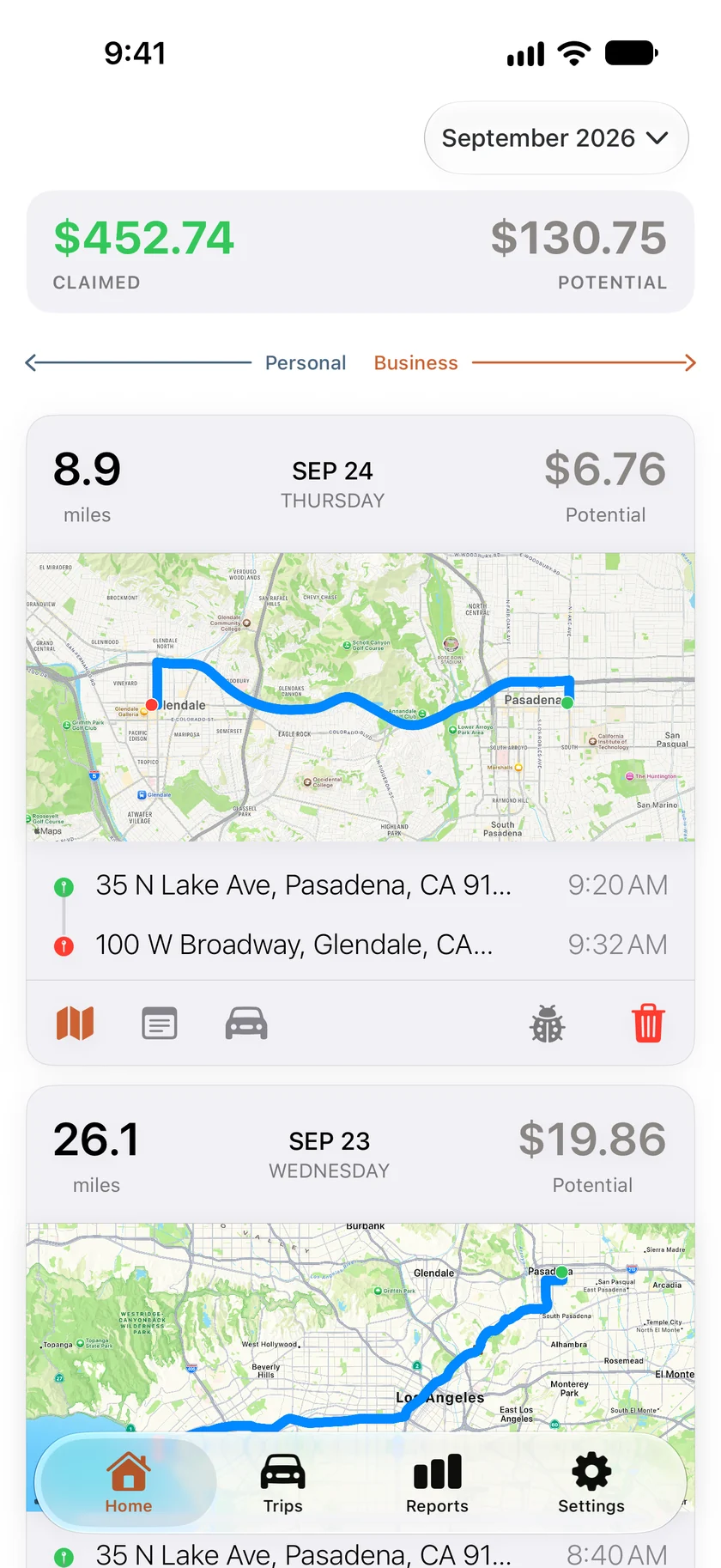
What the app does.
Every trip has a date, start and end addresses, the distance along the road and, once you've sorted it, a purpose. That is what a tax preparer asks for. Mileful applies the rate in effect on each trip's date and keeps a running total.
Record your drives
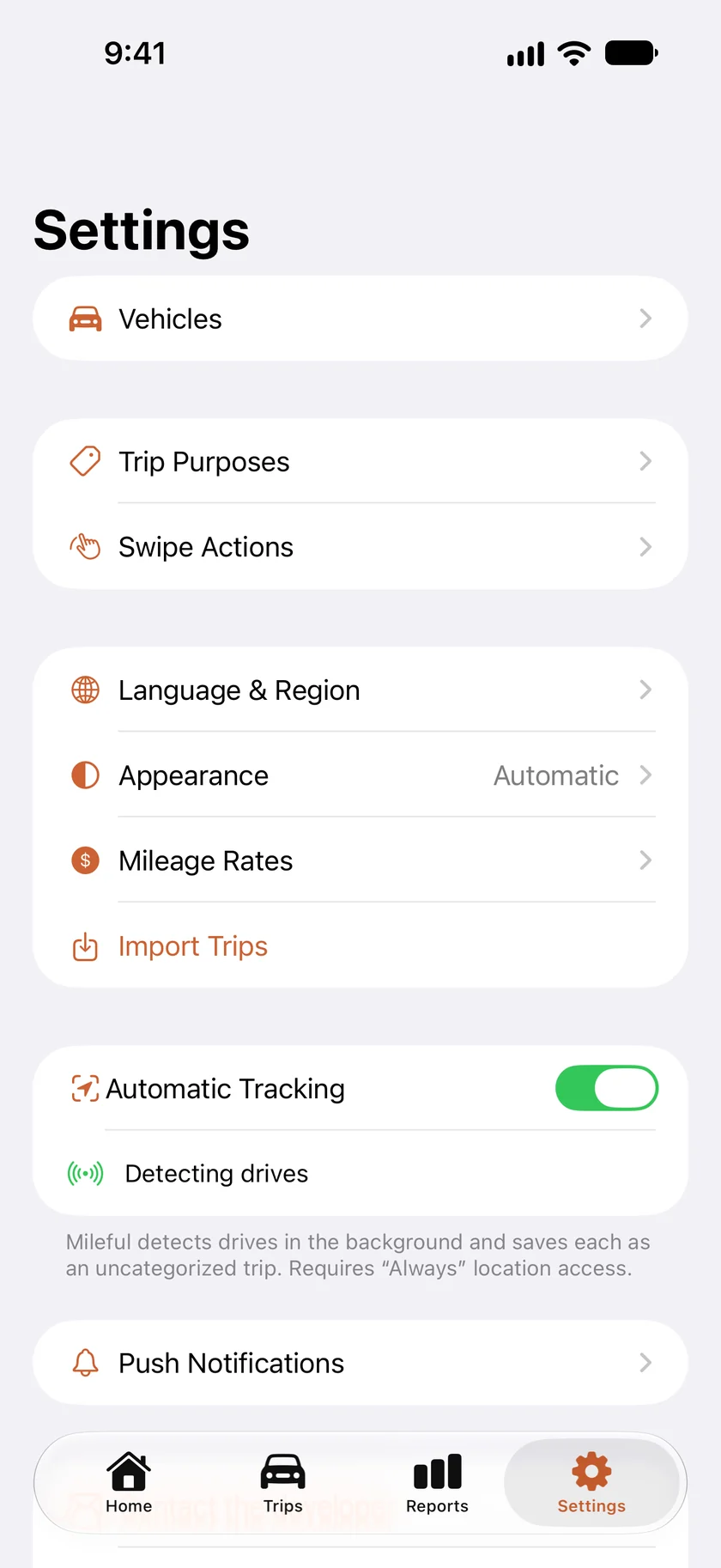
Turn on Automatic Tracking in Settings and Mileful notices when you're driving and records the trip, even with the app closed. Or start a drive yourself: tap + on Trips and choose Start a Drive Now, which needs only While Using location access. While a drive records, it sits at the top of Home with the distance counting up and a Stop & save drive button. The Live Activity for the Lock Screen and Dynamic Island is a separate switch under Push Notifications, and it starts off.
Distance along the road
Type where you started and where you went. Autocomplete finds the addresses, and Apple Maps measures the distance along the driving route rather than a straight line. Turn on Round trip and the return leg is saved as a second trip with its own route.
A log you can hand over
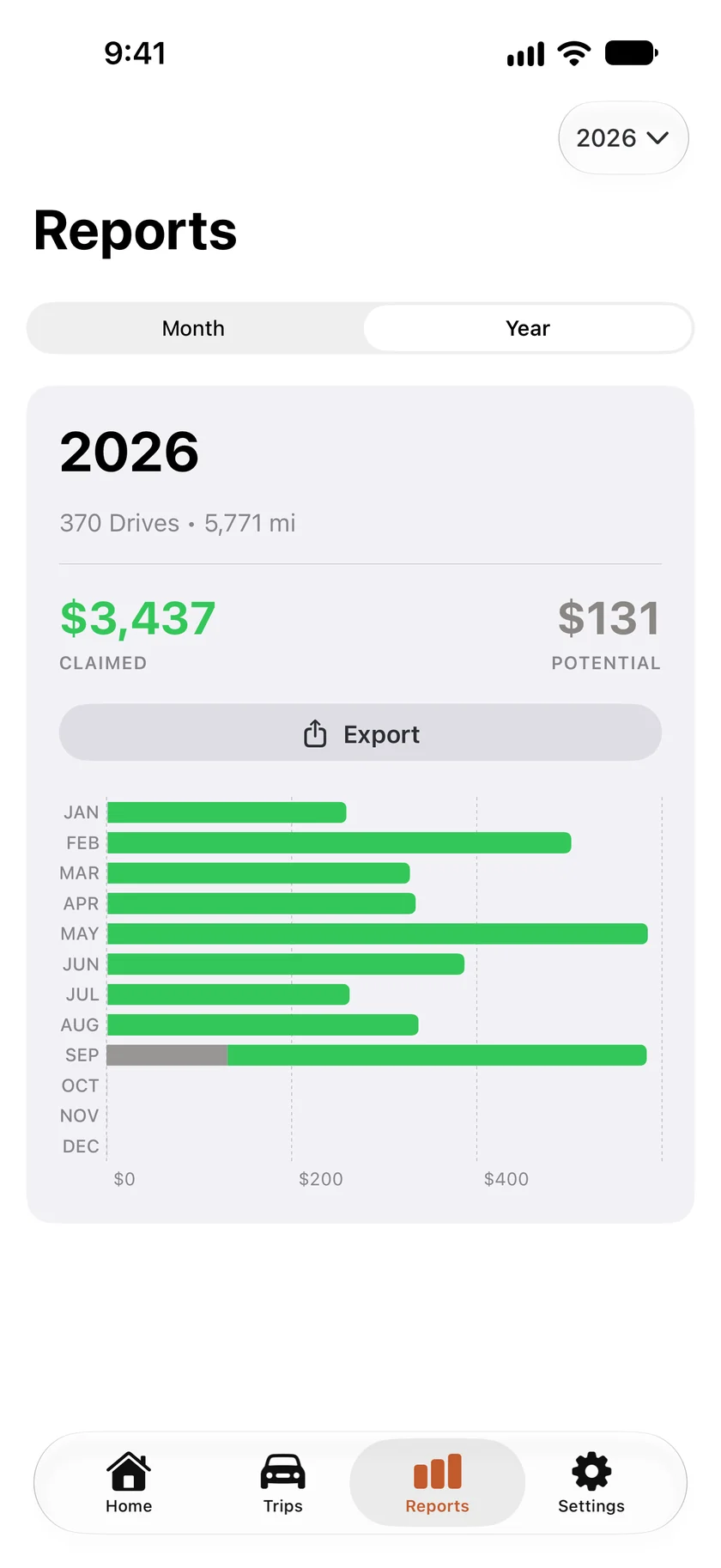
Export in Reports makes a PDF of a month or a year, with every business trip by vehicle and month: the route, purpose, notes, parking and tolls. A month's log has signature lines for an employer's reimbursement. A year's log adds the figures Schedule C asks for, car by car. For a spreadsheet, Settings → Manage Data exports a CSV for any dates and imports one from another mileage app.
Rates are built in
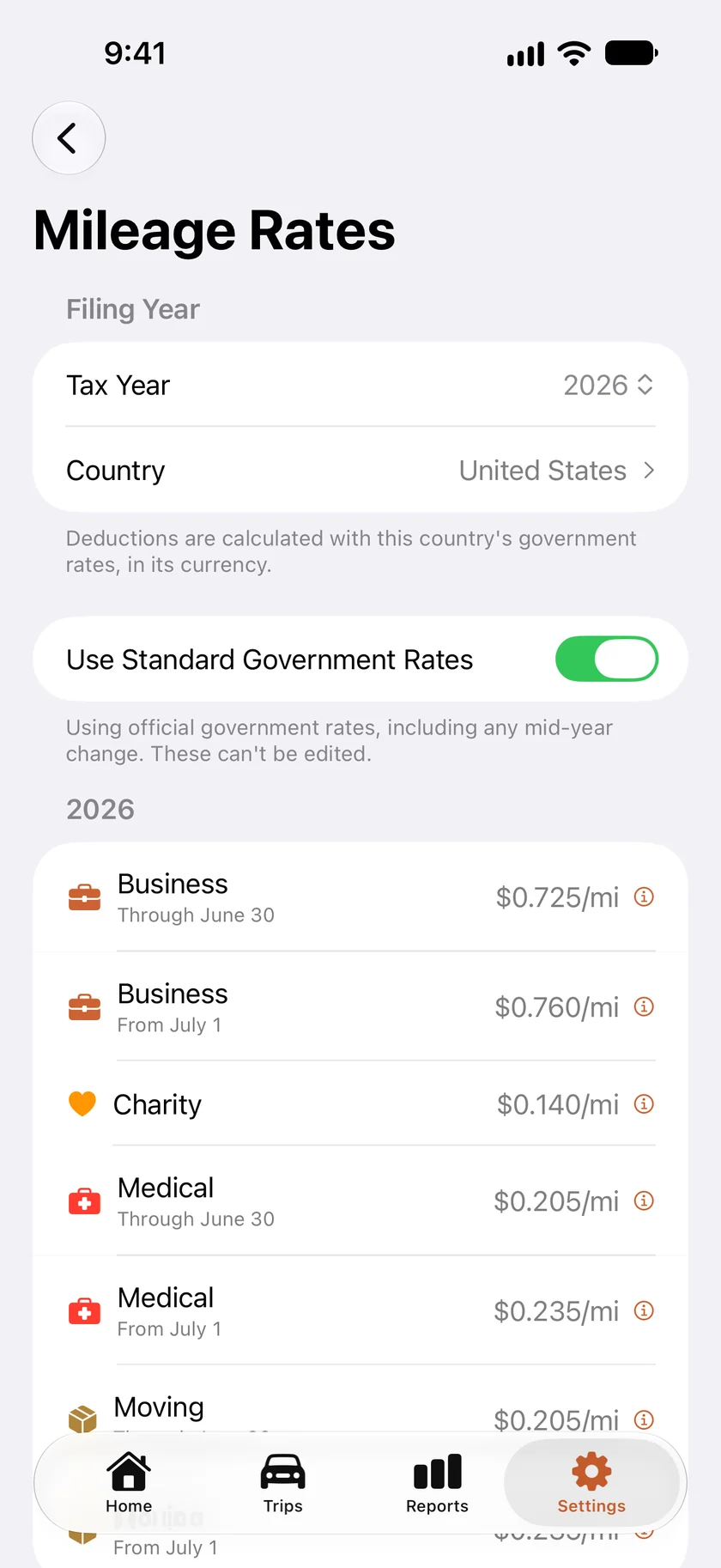
The IRS rates for 2022 through 2026 are included, and so are Canada's and Mexico's. When a rate changes mid-year, as the IRS rate did on July 1, 2026, drives before and after the change each use the rate in force on their date. For any other country, pick it in Language & Region, then enter your own rate once in Mileage Rates. Amounts show in that country's currency.
Vehicles and purposes
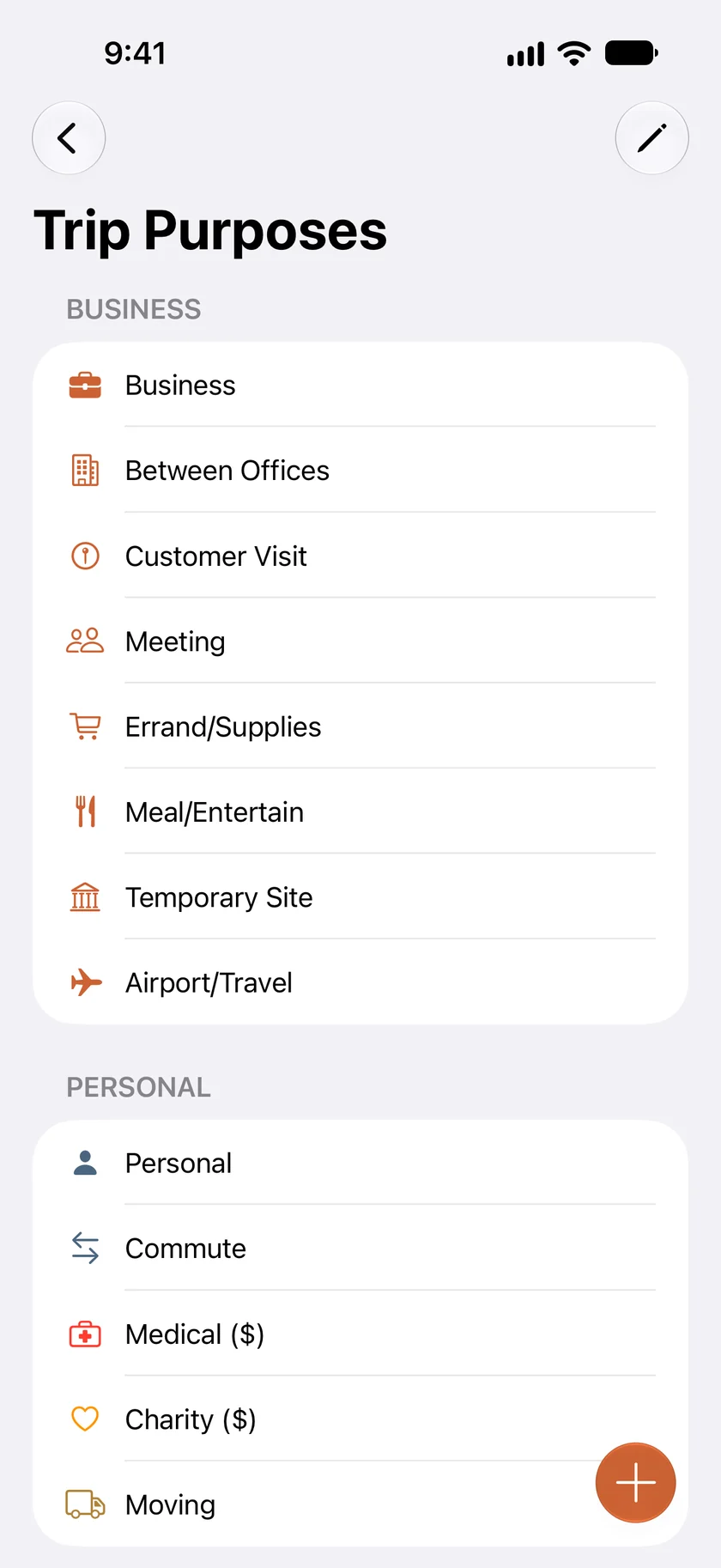
Add more than one vehicle and note which one you drove. Each trip gets marked Business or Personal, and you can give it a more specific purpose, such as Customer Visit or Meeting, or one you make up. When a drive ends somewhere you've been before, Mileful suggests the purpose you usually pick there. Parking and tolls go on the trip too.
Your data stays with you
Trips live on your iPhone and, if you're signed in to iCloud, in your own private iCloud database. There is no Mileful account and no Mileful server, so we never see where you've been. The only other service that sees an address or a route is Apple Maps, when the app looks one up.
Your trips stay on your iPhone and in your iCloud.
Light and dark, every screen.
Mileful is a native app for iOS 26 and later. It follows your phone's light or dark setting, or you can pick one in Settings → Appearance. Flip between Light and Dark to see both.
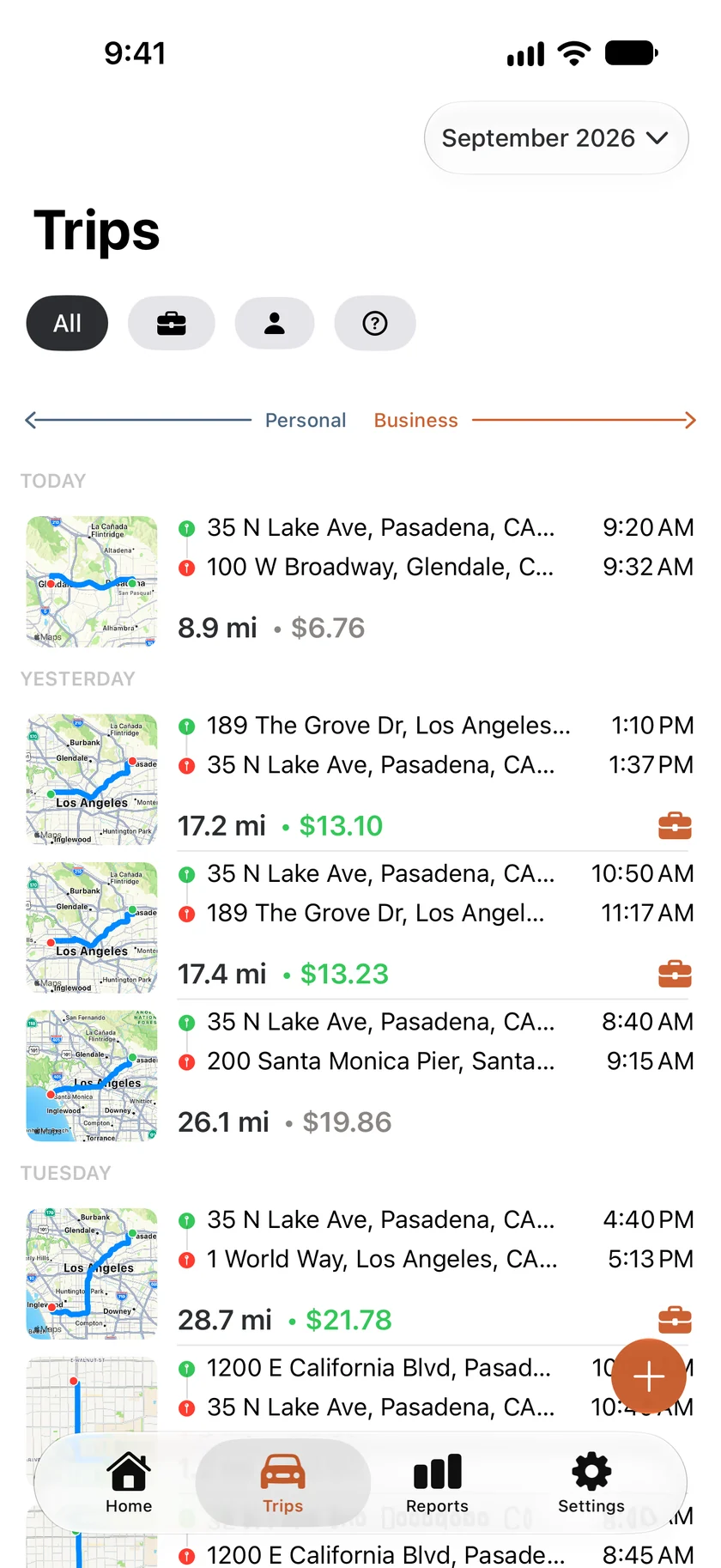
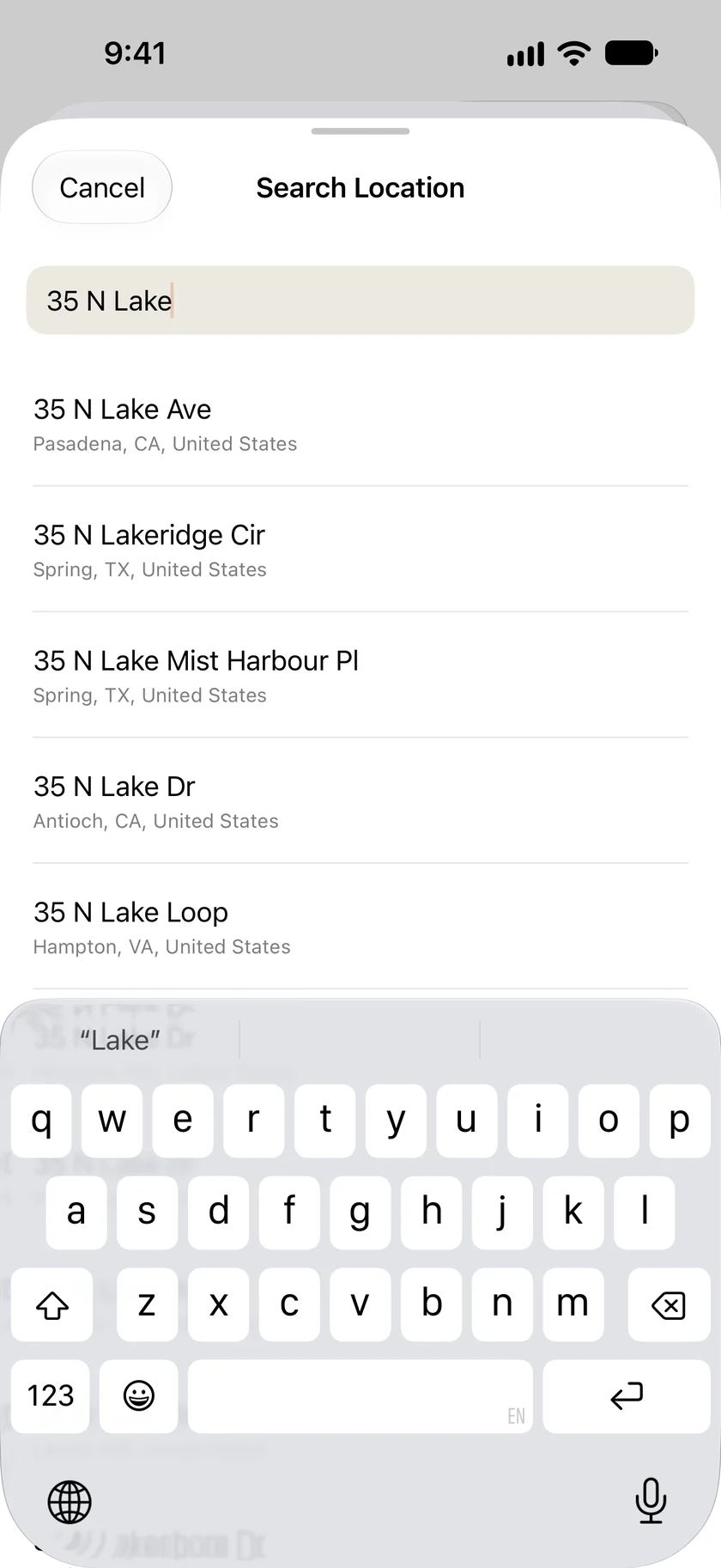
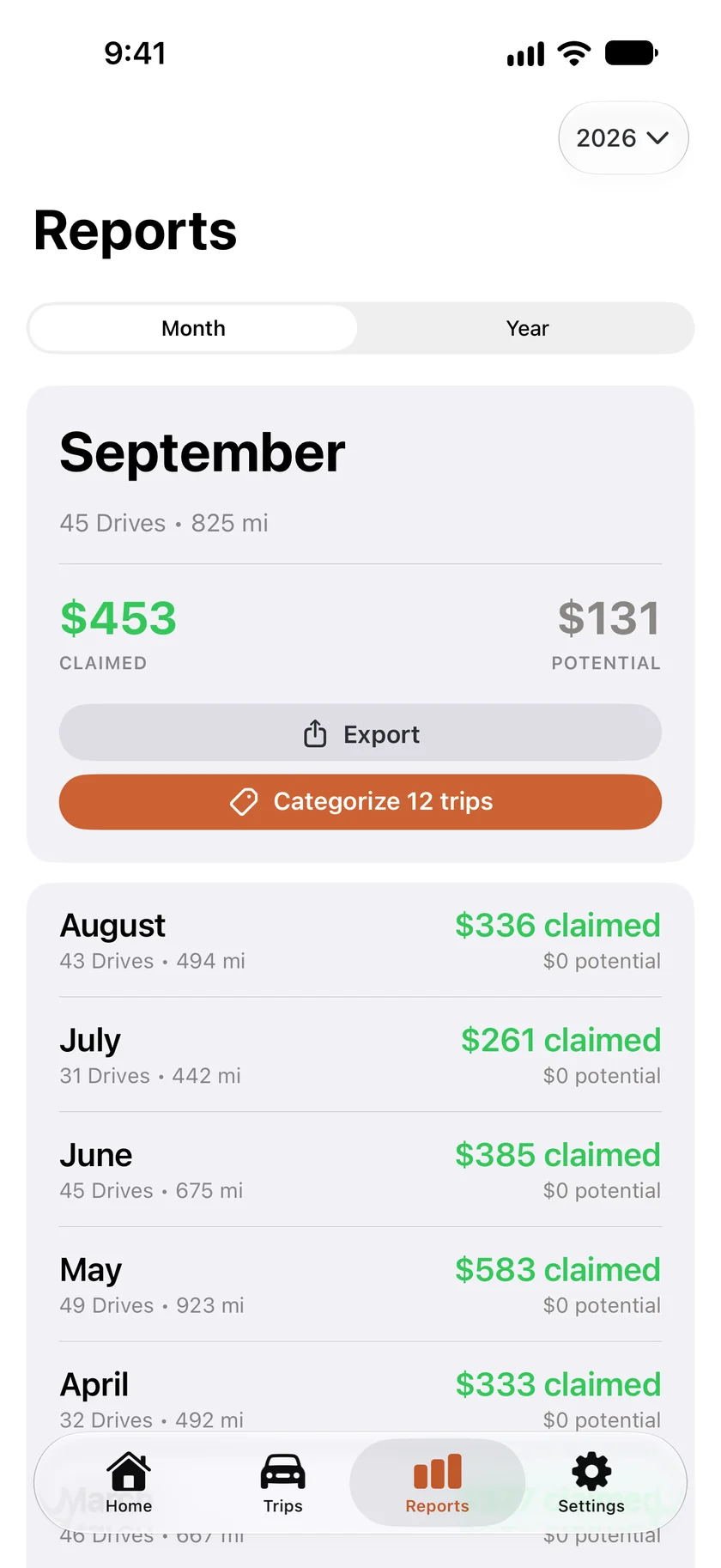
Three steps, start to finish.
With Automatic Tracking on, you don't have to open the app to log a drive. Sort the day's drives when the evening reminder arrives, then export when you file.
Log the drive
Turn on Automatic Tracking and Mileful records drives for you, or tap + on the Trips tab and start one yourself. A drive you've already made can be typed in, and Apple Maps fills in the distance along the road. Older drives can be imported from a CSV.
Sort it
Swipe a trip right for Business or left for Personal. A short swipe also shows a Purpose button for picking a specific one, and Swipe Actions in Settings can make the full swipe open that picker instead. If a recorded drive still has no category at 8:00 PM, Mileful sends one reminder.
Export and file
In Reports, tap Export under a month or a year. You get a PDF mileage log to share with your tax preparer or employer, or to save to Files. For a spreadsheet of any dates, use Settings → Manage Data → Export Trips.
Mileful
is free.
No subscription and no ads. Made in California by Aidar, LLC.